

Hey there, producer! Ever feel like your studio is more of a creative black hole than a beat-making machine? You've got tons of ideas, but finishing them feels like climbing Mount Everest in flip-flops. This article is all about getting your producer productivity dialed in, so you can stop drowning in unfinished loops and start dropping finished tracks. We'll look at how to get your setup sorted, your workflow smooth, and your digital tools working for you. Let's get this done.
Key Takeaways
- Stop letting unfinished ideas pile up. A clear system helps you finish what you start, turning that creative chaos into finished music.
- Your gear matters, but knowing how to use it is key. Find hardware that fits your style and learn its ins and outs to boost your producer productivity.
- Structure your sessions and sync your tools. A solid workflow means less time fiddling and more time creating.
- DAWs are your main hub, but don't forget about helpful apps and AI tools that can speed up your process and add new sounds.
- Build a system that works for you. Whether it's hardware, software, or a mix of both, having a plan helps you go from a spark of an idea to a finished track.
Tame Your Creative Chaos: The Producer Productivity Power-Up
The Hidden Cost of Unfinished Ideas
Let’s get real: Your hard drive is stacked with half-baked beats, unfinished loops, and projects with names like "beat_idea_8_final_FINAL.wav". You start hot, but most tracks end up catching digital dust. Sound familiar? The true cost isn’t just the gigabytes wasted—it’s the ideas and time you’ll never get back.
- Unfinished projects kill your buzz
- Messy folders make your best ideas impossible to find
- No system means you repeat the same mistakes
Seriously, nothing kills motivation faster than searching for that one perfect snare you saved "somewhere" a month ago. Organization = more finished music.
Why Organization is Your Secret Weapon
Think organization is boring? You’re not alone. But—plot twist—it’s your secret sauce for creative fire. Imagine instantly finding any sample, knowing which track needs vocals, and setting deadlines that keep you moving. Suddenly, you’re not just making more music, you’re finishing tracks weekly.
Try these simple habits:
- Create a template project to speed up new ideas
- Use folders (and name stuff for real, not just “Idea3_mix2”)
- Set weekly small goals: finish a hook, arrange the drop, export a demo
As you get better at this, you’ll feel less chaos and more confidence. For more ideas, the music production tips and interviews from Output’s experts can spark your next workflow upgrade.
From Beat Blender to Beat Master
Look, everyone gets stuck. But if you want to move from "endless idea blender" to master finisher, you need a system. Here’s a simple blueprint for fixing the chaos:
| Productivity Problem | Quick Fix |
|---|---|
| Lost files | Organize by project & date |
| Projects always half-done | Make a checklist for each track |
| Too many loops, not enough songs | Commit to finishing 1 idea/week |
Finishing what you start doesn’t kill creativity. It builds your own momentum. Master your chaos, and you’ll be amazed how fast you level up—one finished banger at a time.
Gear Up for Peak Producer Productivity
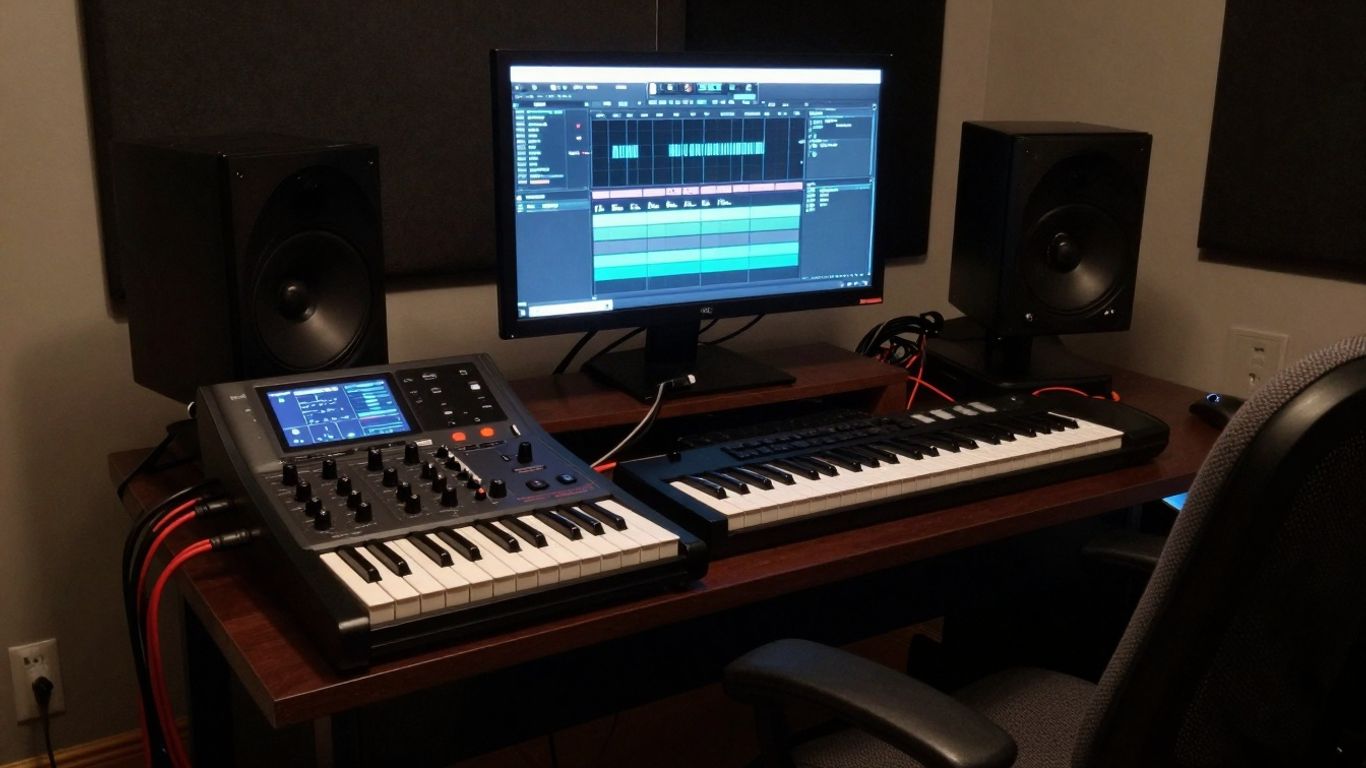
Alright, let's talk about the stuff that makes the magic happen – your gear. It's not just about having the latest shiny toys; it's about finding the right tools that actually help you get your beats out of your head and into the world. Think of it like this: you wouldn't try to build a house with a butter knife, right? Same goes for making music. Your setup needs to work for you, not against you.
Finding Your Sonic Soulmate: Hardware That Fits
First things first, what kind of beats are you even making? If you're all about that deep, bass-heavy electronic vibe, a solid drum machine or sampler might be your best friend. Maybe something like the Roland MC-707 could get you going. But if you're more of a composer, sketching out full arrangements, a workstation keyboard like the Korg Kronos might be more your speed. You gotta ask yourself: what's your jam? And are you planning to rock stages or just chill in the studio? Live performers often need gear with hands-on controls for tweaking on the fly, while studio wizards might prioritize deep sound design capabilities. Don't just buy something because it looks cool; make sure it actually fits your production goals.
- What kind of music do you make? (Electronic, Hip-Hop, Ambient, etc.)
- Where will you be creating? (Studio, live, on the go)
- What's your primary focus? (Sound design, sampling, arranging, performance)
Choosing the right hardware is like picking a reliable bandmate. It should inspire you, not frustrate you. Get something that feels intuitive, so you spend less time figuring out buttons and more time making dope tracks.
When you're starting out, it can be a bit overwhelming. There are tons of options out there, from full-blown workstations to compact grooveboxes. If you're just dipping your toes in, checking out some beginner-friendly gear can be a smart move. You can explore the top beat-making gear for newcomers in 2025 to get a feel for what's out there for all skill levels.
Don't Get Lost in the Knobs: Mastering Your Interface
Okay, you've got some gear. Awesome. Now, can you actually use it without breaking a sweat? The interface is everything. A super powerful synth is useless if you can't figure out how to change the patch. Look for gear with a layout that makes sense to you. Tactile controls – actual knobs and buttons you can touch – often make a huge difference for many producers. It just feels more immediate, you know? Plus, having built-in effects like reverb or delay can save you a ton of hassle later on. Think about what features are absolute must-haves for your workflow. Do you need multi-track recording? MIDI support? The more you can do directly on the device, the faster you can get ideas down.
Portability vs. Power: Where Will You Create?
This is a big one. Do you need a beast of a setup that stays put in your studio, or do you want to be able to whip up beats on a train, in a park, or at a friend's place? Standalone units are great because they often have everything you need built-in and don't require a computer. Many offer various ways to connect to other gear, like MIDI, USB, and audio inputs. This means you can link up synths, drum machines, or even your computer if you want to expand your setup. Keeping your gear updated with the latest firmware is also key – manufacturers often drop updates that fix bugs or add cool new features. And hey, don't forget to back up your projects! Seriously, losing a finished track because of a hard drive failure is the worst.
Workflow Wizardry: Crafting Your Creative Flow
Alright, let's talk about getting your beats from a jumbled mess into something actually listenable. You've got all these killer ideas bouncing around, but sometimes they just… don't go anywhere, right? That's where figuring out your workflow comes in. It's not about being a robot; it's about making the process of making music less of a headache and more of a joy.
The Art of the Structured Session
Think of your studio time like a well-planned jam session, not a chaotic free-for-all. Having a plan, even a loose one, stops you from staring blankly at your screen wondering what to do next. Try breaking your sessions down into chunks. Maybe one day is all about sound design, messing with synths and samples until you find that perfect texture. Another day could be dedicated to arranging those sounds into actual song structures.
Here’s a quick way to think about it:
- Idea Generation: Just get those initial sparks down. Don't judge, just record. A quick loop, a melody idea, a drum pattern.
- Sound Sculpting: Now, take those ideas and start shaping the sounds. This is where you tweak, layer, and process until they feel right.
- Arrangement & Structure: Build out the song. Add verses, choruses, bridges. Figure out how the parts fit together.
- Mixing & Polish: Get everything sounding clean and professional. Balance levels, add effects, make it punchy.
Don't be afraid to switch things up if a different order feels better for a specific track. The goal is to have a framework, not a rigid prison.
Seamlessly Sync Your Sound
If you're using more than just your computer – maybe a drum machine, a synth, or some cool hardware effects – getting them to talk to each other is key. MIDI is your best friend here. It's like the universal language for musical gear. Syncing your devices means everything plays in time, so you're not constantly fighting with timing issues. This is especially helpful if you're recording live instruments or vocals alongside your electronic elements. You want that bassline and drum machine to lock in perfectly, right?
Embrace the Hybrid: Hardware Meets Software
Don't feel like you have to pick a side between hardware and software. The real magic often happens when you blend them. Your Digital Audio Workstation (DAW) is your central hub, but bringing in hardware can add a tactile feel and unique sonic character that software sometimes misses. Maybe you run your synth VSTs through a cool analog delay pedal, or you record a killer drum loop from your hardware machine directly into your DAW. The best setup is the one that lets you create without getting bogged down. Experiment with connecting your gear, using your DAW as the conductor, and see what new sounds and workflows emerge. It's all about making the tools serve your music, not the other way around.
Digital Domain Domination: Apps for Amplified Output
Alright, let's talk about the digital side of things. You've got your ideas swirling, maybe a few killer loops cooking, but how do you actually turn that into a finished track without getting lost in a sea of files and forgotten projects? This is where the right apps come in, acting like your trusty sidekicks in the studio. Think of them as your digital command center, your sonic lab, and sometimes, even your creative muse.
DAWs: Your Digital Command Center
This is where the magic really happens, or at least where you orchestrate it. Your Digital Audio Workstation (DAW) is the heart of your digital setup. It's where you record, edit, mix, and master. Choosing the right one can feel like picking a favorite instrument – it's personal, but some are just built for speed and flexibility.
- Ableton Live: If you're into live performance or electronic music, this is a beast. Its session view lets you jam with loops and ideas like a live set, making it super intuitive for performance and quick idea generation. It's like a playground for your beats.
- Logic Pro X: For Mac users, this is a powerhouse. It's packed with tons of virtual instruments, effects, and a deep feature set that can handle anything from simple loops to full orchestral arrangements. Plus, it's a one-time purchase, which is pretty sweet.
- FL Studio: Known for its pattern-based workflow, FL is a favorite among hip-hop and electronic producers. Its piano roll is legendary, and the interface is designed for fast beat-making. It's got a lifetime free update policy, too!
- Pro Tools: The industry standard for recording and mixing, especially in professional studios. If you're aiming for that super polished, radio-ready sound, Pro Tools is where it's at, though it can have a steeper learning curve.
AI Assistants: Your New Studio Buddies
Okay, AI in music production might sound like something out of a sci-fi movie, but trust me, it's here and it's getting seriously useful. These aren't here to replace your creativity, but to give you a boost when you need it.
- AI Mixing & Mastering: Tools like LANDR or iZotope's Ozone can analyze your track and suggest or even apply professional-sounding EQ, compression, and limiting. It's like having a mastering engineer on call 24/7, perfect for getting your tracks ready for release without breaking the bank.
- AI Melody & Chord Generators: Stuck on a melody? Apps like Amper Music or Orb Producer Suite can generate musical ideas based on parameters you set. You can then tweak, chop, and rearrange these ideas to fit your vision. It's a great way to break through writer's block.
- AI Voice Tools: Ever wanted to create unique vocal textures or even generate AI vocals? Platforms like Musicfy let you experiment with AI voice generation, turning text into singing or creating unique instrument sounds from your own voice. It's wild stuff!
Beyond the Basics: Expanding Your Sonic Palette
Once you've got your DAW humming and maybe an AI buddy or two, it's time to think about how you can really push your sound. This is where plugins and specialized apps come into play.
- Virtual Instruments (VSTi): These are software synths, samplers, and drum machines that live inside your DAW. From realistic pianos to wild, futuristic synths, the options are endless. Companies like Native Instruments, Arturia, and Spectrasonics offer incredible libraries.
- Effects Plugins: Want to add distortion, reverb, delay, or crazy modulation? Effects plugins are your go-to. Brands like FabFilter, Valhalla DSP, and Soundtoys make some of the most sought-after effects that can completely transform your sounds.
- Sample Libraries & Tools: Accessing high-quality samples is key. Services like Splice offer a massive library of royalty-free loops and one-shots you can download. There are also tools for organizing and managing your sample library, which is a lifesaver when you've got thousands of sounds.
Don't get bogged down trying to learn every single app out there. Pick a DAW that feels right, explore a few AI tools that spark your interest, and then focus on a handful of plugins that help you achieve the sounds you're hearing in your head. The goal is to amplify your output, not to become a software guru overnight.
Using these digital tools effectively means understanding their strengths. Your DAW is your canvas, AI can be your sketch artist, and specialized plugins are your unique brushes. Mix and match, experiment, and most importantly, have fun creating!
The Unfinished Beat Black Hole: Escaping the Loop
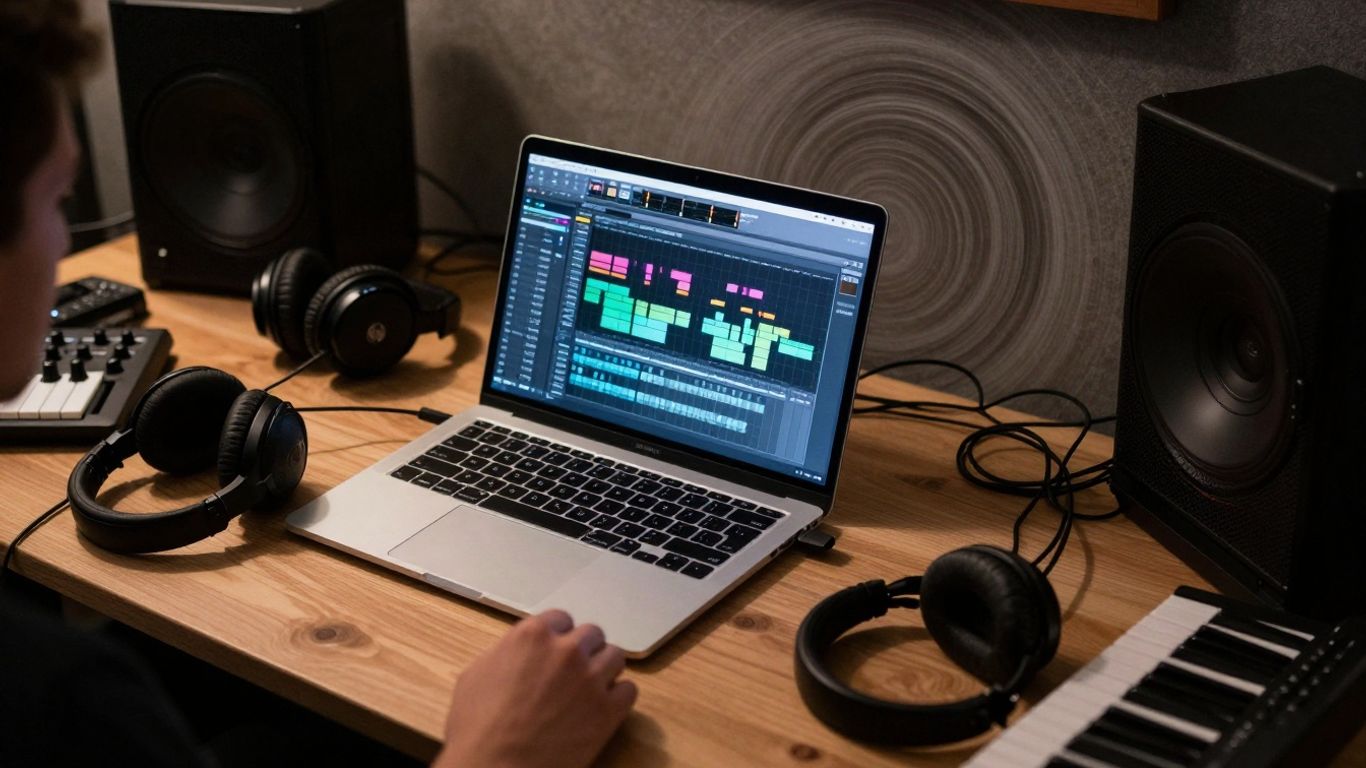
Okay, let's talk about the elephant in the room, or rather, the hundreds of unfinished beat files cluttering your hard drive. You know the drill: a killer idea strikes, you lay down a few bars, maybe a cool melody, and then… poof. It vanishes into the digital ether, lost somewhere between "idea_final_v2" and "_DO_NOT_DELETE_THIS_ONE". It’s like a black hole for creativity, sucking in your inspiration and spitting out… well, nothing. This isn't about lacking talent; it's about lacking a system. Your creative energy is awesome, but without a plan, it just fizzles out.
Why So Many Ideas Die on the Vine
It's easy to blame a lack of inspiration, but usually, it's something simpler. You get a spark, you start building, and then you hit a wall. Maybe you can't find that perfect sample you used last week, or you get bogged down trying to make a synth sound just right. Or perhaps, you simply forget what you were going for. The result? A graveyard of half-baked loops and forgotten melodies. It's frustrating, right? You spend hours on something that never sees the light of day, and it can really zap your motivation.
Building a System That Actually Works
So, how do you escape this cycle? You need a workflow that keeps you moving forward. Think of it like building a track: you need a solid foundation and a clear path from start to finish. Here’s a simple approach:
- Capture Everything: Have a dedicated place for new ideas. This could be a specific folder, a quick voice memo, or even a scratchpad in your DAW. The goal is to get it down before it evaporates.
-
Organize Ruthlessly: Develop a naming convention and folder structure that makes sense to you. Something like
[Genre]_[Mood]_[Date]orProjectName_v[Number]can save you tons of time later. - Set Mini-Goals: Instead of "finish the beat," try "get the drums sounding good" or "write a chorus melody." Breaking it down makes it less daunting.
- Schedule "Finishing" Time: Dedicate specific blocks of time just for wrapping up projects, not just starting new ones. Treat it like an appointment you can't miss.
The biggest enemy of 'done' is 'perfect'. Sometimes, a good enough idea, finished and out there, is way better than a 'perfect' idea that never gets completed. Don't let the pursuit of flawlessness paralyze your progress.
From Spark to Finished Track: A Producer's Journey
Imagine this: you get a cool drum loop. Instead of just saving it and moving on, you immediately tag it with "energetic" and "house" in your sample library. Then, you open a new project, name it "House Energy Track 01," and start building around that loop. You spend 30 minutes focusing only on the groove and bassline. You save it. The next day, you come back, and instead of staring at a blank screen, you have a solid foundation. You spend another hour adding a melody and a breakdown. You save again. This structured approach, even with small steps, turns that initial spark into a tangible track, one saved file at a time. It’s about building momentum, not just collecting ideas.
Level Up Your Producer Productivity with Smart Tools
Alright, let's talk about the shiny stuff. You've got ideas buzzing around like a swarm of angry bees, but sometimes turning them into actual bangers feels like trying to catch smoke. That's where the right tools come in. We're not just talking about more plugins you'll never touch; we're talking about smart gear and software that actually help you finish tracks.
Standalone Powerhouses for Instant Inspiration
Sometimes, you just need to get away from the screen. Standalone hardware can be a lifesaver. Think of a groovebox or a powerful synth with a built-in sequencer. You can just jam, tweak knobs, and build ideas without the distractions of your computer. These machines are designed for pure creative flow. They often have intuitive layouts that encourage experimentation. Plus, many of them can sync up with your computer later, so you're not losing those ideas to a digital black hole. It's like having a dedicated jam buddy who never complains.
Software Savvy: DAWs and Plugins That Deliver
Your Digital Audio Workstation (DAW) is your main hub, but don't forget the plugins! We're talking about more than just synths and effects. Think about specialized tools. For instance, there are some seriously cool Beatmaker VSTs out there that can help you lay down drum patterns faster than you can say "kick and snare." Or maybe a smart sampler that helps you organize and chop up your audio samples with ease. The key is to find plugins that solve a specific problem for you, whether it's speeding up tedious tasks or offering unique sound design possibilities.
Here's a quick look at how some tools can speed things up:
- Drum Programming: Dedicated drum plugins or sequencers. Spend 15 minutes building a killer beat instead of an hour.
- Sound Design: Presets are your friend, but also tools that let you quickly morph sounds. Don't get lost in endless tweaking.
- Arrangement: Tools that help you quickly duplicate sections, create variations, or even suggest transitions.
AI-Powered Production: The Future is Now
Okay, AI in music production might sound a bit sci-fi, but it's here, and it's getting seriously useful. We're not talking about robots taking over your job (yet!). Think of AI as your super-powered assistant. Need a bassline that fits your melody? There are AI tools for that. Stuck on a chord progression? AI can offer suggestions. Some platforms can even help you master your tracks. It's about using these smart assistants to break through creative blocks and speed up parts of the process that used to take ages. It's like having a seasoned producer on call 24/7, ready to offer a fresh perspective or a helping hand.
Don't be afraid of AI. It's not here to replace your creativity, but to give you more time to be creative. Think of it as a shortcut to getting your ideas out of your head and into your speakers faster. Use it to experiment, to learn, and to push your sound in new directions you might not have considered otherwise.
Choosing the right tools is all about making your creative process smoother and more enjoyable. So go ahead, explore, and find the gear and software that helps you turn those buzzing ideas into finished tracks!
Want to make your music production faster and better? There are cool tools out there that can help you work smarter, not harder. These tools can speed up your workflow and help you create amazing tracks. Ready to boost your music-making game? Check out our website to find the best tools for producers!
So, What's the Takeaway?
Alright, producers, we've talked a lot about getting your act together, from organizing those mountain-high piles of unfinished beats to figuring out which shiny new piece of gear actually does something useful. Look, nobody's saying you need to become a spreadsheet wizard overnight. But seriously, a little system goes a long way. Think of it like this: you wouldn't build a house without a blueprint, right? Same goes for your music. So go forth, try out some of these ideas, and stop letting those killer ideas get lost in the digital abyss. Your future self, the one who actually finishes tracks, will totally thank you. Now go make some noise!
Frequently Asked Questions
Why do I have so many unfinished beat ideas?
It's super common! Often, it's because your creative process feels a bit messy. You might start a beat, get a cool idea, but then struggle to find it later or don't have a clear plan to finish it. This can happen when your files are all over the place or you don't have a system to keep track of your projects. It's not about lacking creativity, but more about needing a good way to organize your work.
How can I stop my music ideas from getting lost?
The best way is to set up an organization system. Think about naming your project files clearly, like 'Song Title_v1.wav', and saving them in specific folders for each project. Using a simple to-do list or a project management app can also help you track what you're working on and what needs to be finished. It’s like giving your music ideas a home so you can always find them.
What kind of gear should I get to make beats better?
That really depends on what kind of music you like to make and how you like to work! If you're into electronic music, a drum machine or a sampler could be awesome. If you like composing, a keyboard workstation might be better. Think about whether you need something small to take with you or a bigger setup for your studio. The most important thing is that the gear feels good to use and helps you create.
Are there apps that can help me make music faster?
Totally! There are tons of apps that can boost your music-making. Digital Audio Workstations, or DAWs, are like your main studio on your computer where you can record, edit, and mix. Some apps even use AI to help you create sounds or suggest musical ideas. There are also apps for practicing, learning new techniques, or even finding cool samples to use in your beats.
How do I make sure I actually finish my beats?
Finishing beats is all about having a solid plan. Try setting specific goals for each music session, like 'I'm going to finish the drum loop today' or 'I'll write the main melody.' Breaking down the process into smaller steps makes it less overwhelming. Also, try setting deadlines for yourself, even if they're just for your own practice. Having a system helps you move from that first spark of an idea to a finished track.
What's the deal with AI in music production?
AI is becoming a really cool tool for producers! Think of AI assistants as your new studio buddies. They can help you generate song ideas, create unique sounds, or even write basic melodies. Some AI tools can even help you make your music sound more professional by suggesting mixing improvements. It's not about replacing your creativity, but giving you new ways to experiment and speed up parts of the process.


